ClipTalk
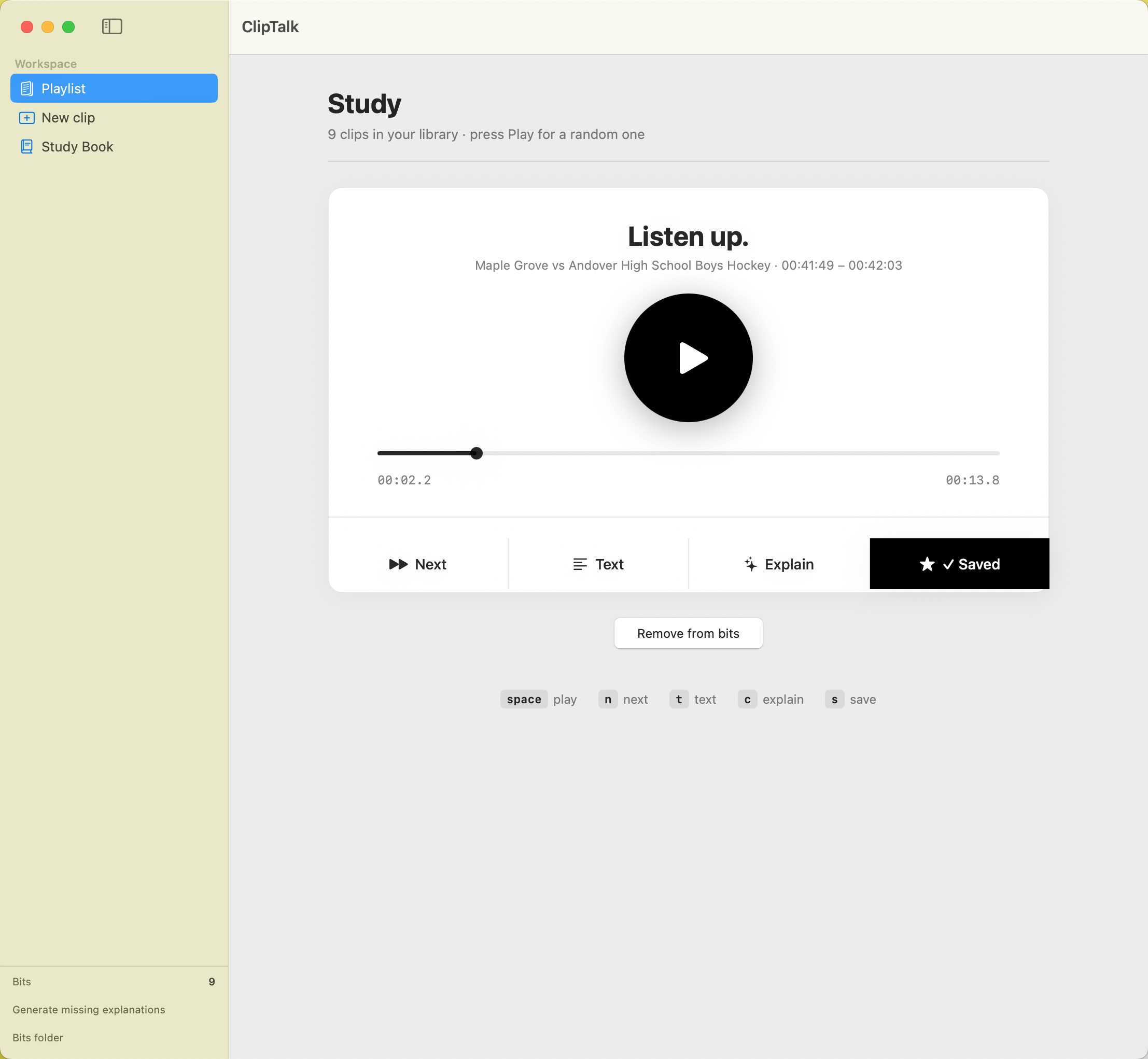
A small Mac tool that helps you learn English from the videos you already watch. You hear something interesting on YouTube, you save it, and it shows up in your study library — ready to listen to again whenever you want.
What it does
You're watching YouTube and a phrase catches your ear — a joke, a piece of slang, the way a host says something. You want to remember it. Normally you'd pause, rewind, maybe try to write it down. Then you forget about it.
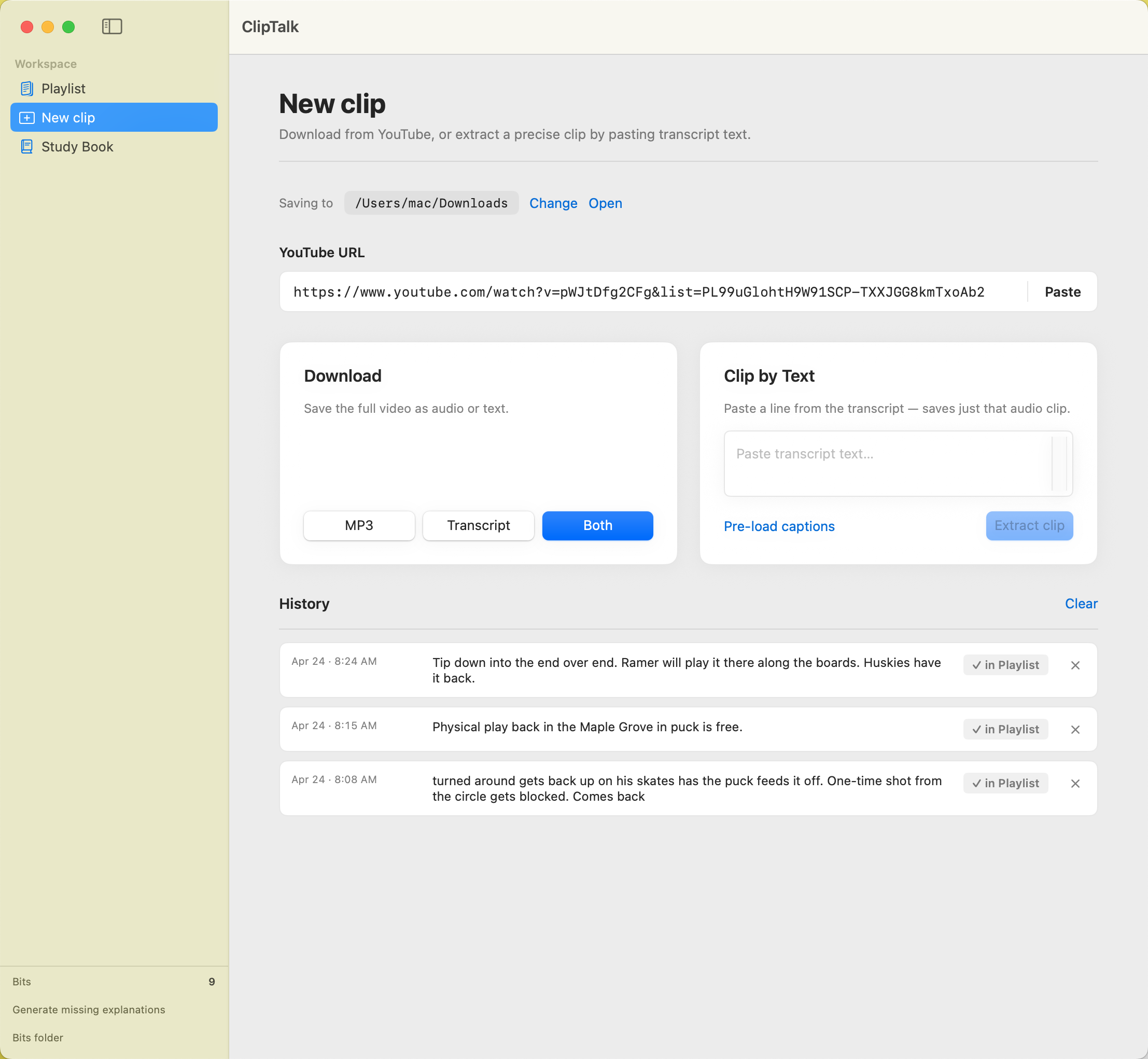
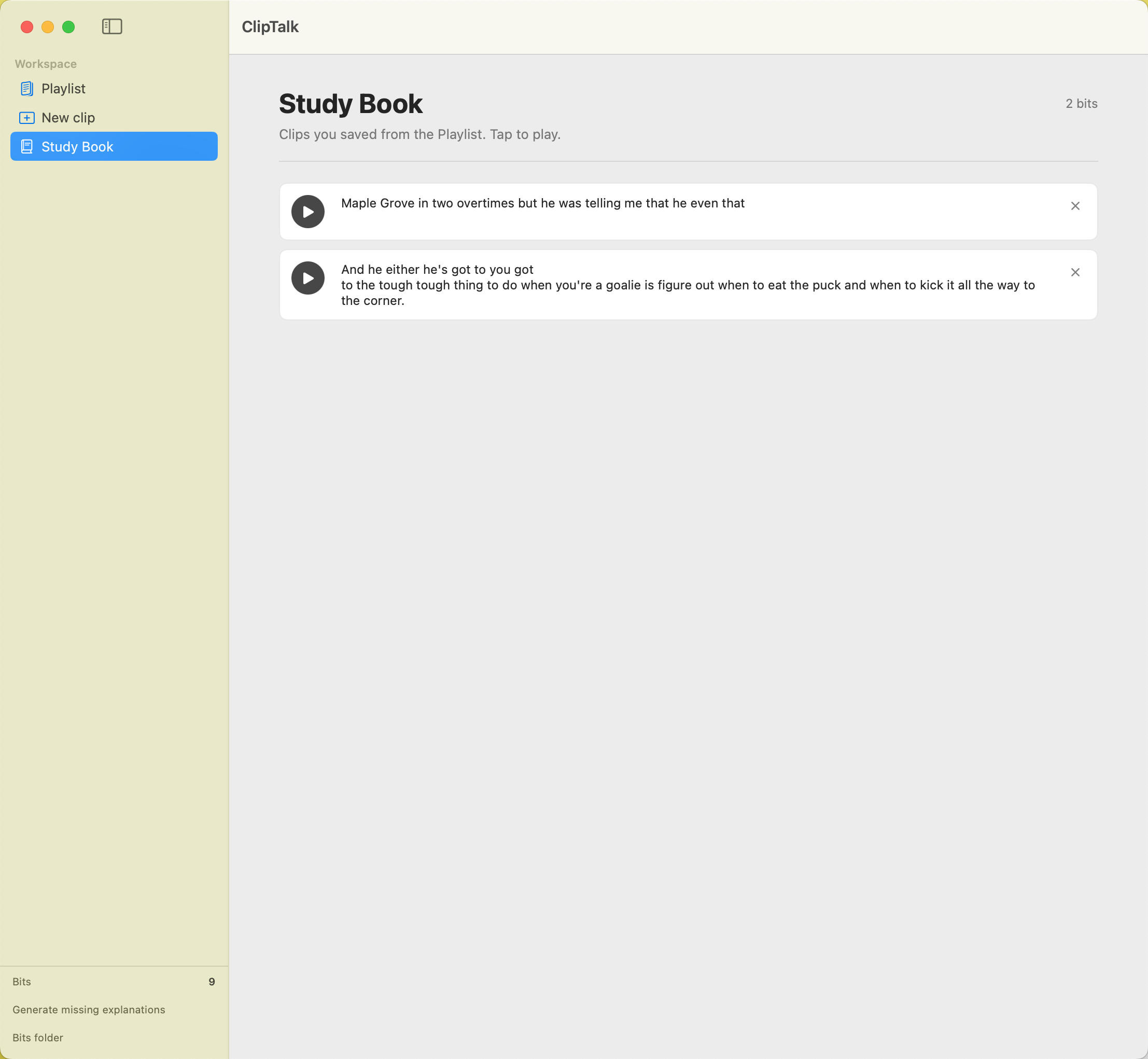
ClipTalk skips that. You highlight the line in the transcript, and a few seconds later the audio and text are in your personal library. You can come back to that exact moment any time, listen on repeat, and read what was said.
Why it helps
Real English isn't the English in textbooks. It's faster, looser, full of idioms, swallowed syllables, and cultural shortcuts. The fastest way to learn it is to hear native speakers say it — over and over — until your ear catches up.
ClipTalk gives you a tiny library of those exact moments, collected from the videos you genuinely enjoy. No textbook sentences. No fake dialogues. Just the bits that struck you as interesting, ready to replay.
The idea behind it
Most language apps try to make studying feel like a video game. Streaks, points, daily reminders. That works for a while, then it stops working — because the thing being studied is artificial.
ClipTalk is the opposite. There's no streak, no score, no push notifications. You only save things you actually care about. The library only grows with bits that meant something to you. That's it.
The goal is a quieter, more personal study habit — closer to how you'd keep a notebook of favorite quotes than how you'd grind a quiz app.
A few things to know
- Free, no account, nothing uploaded.
- Mac only.
- Works with YouTube videos that have transcripts.
- Saved clips live on your computer. They're yours; nothing syncs to a server.
- The source is open. If you want to read what it does or change it, the code is there.